The Dronisos Hook is used to automatically start media files when a time trigger is encountered in the bundle. This trigger is most of the time the start of the show, but offsets can be set if necessary.
Prerequisites
- One operation laptop
- One DCC kit
- One RJ45 cable
- One media file (music or video)
- One compatible bundle (Launching a synchronized music or video file)
Usage
Load the compatible bundle on the DCC.
Interconnect the DCC switch and the operation laptop using the RJ45 cable.
Launch the Dronisos Hook on the operation laptop using the shortcut available on the Desktop.
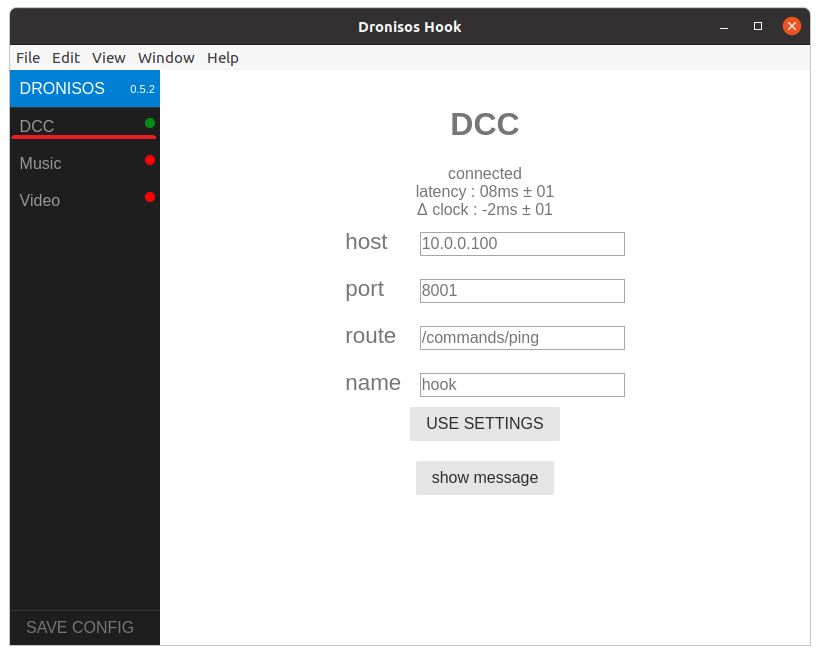
The DCC indicator should be green, if not check your connections. The default configurations should work for most of the use cases, don't change them.
Music file
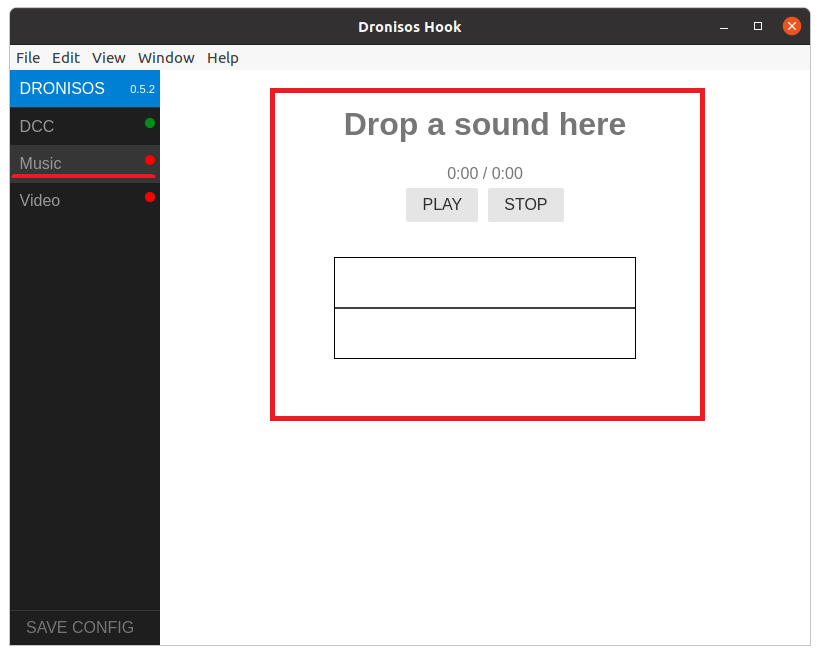
If the media file that needs to be launched is a music file, navigate to the Music panel.
- Drag and drop the file in the main window.
- Double-check that the Music indicator is green.
- You can use the available control PLAY and STOP buttons to test the system before the show.
Video file
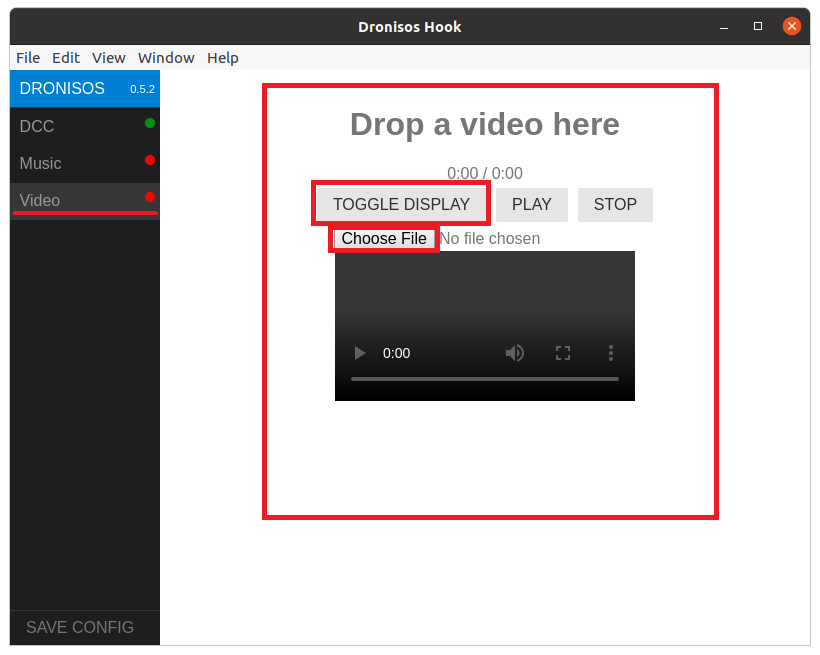
If the media file that needs to be launched is a video file, go to the Video panel.
- Drag and drop the file in the main window.
- Double-check that the Video indicator is green.
- TOGGLE_DISPLAY can be used to control a secondary window that can be dragged to a secondary screen or projector.
- Clicking on this window will trigger the fullscreen mode
- The image displayed when the video is not launched can be customized using the file loader.